AI Prompts Every Business Owner Should Know

Teal background with a white search bar and the phrase “What can I help with?” displayed above, representing AI tools ready to assist with any task.
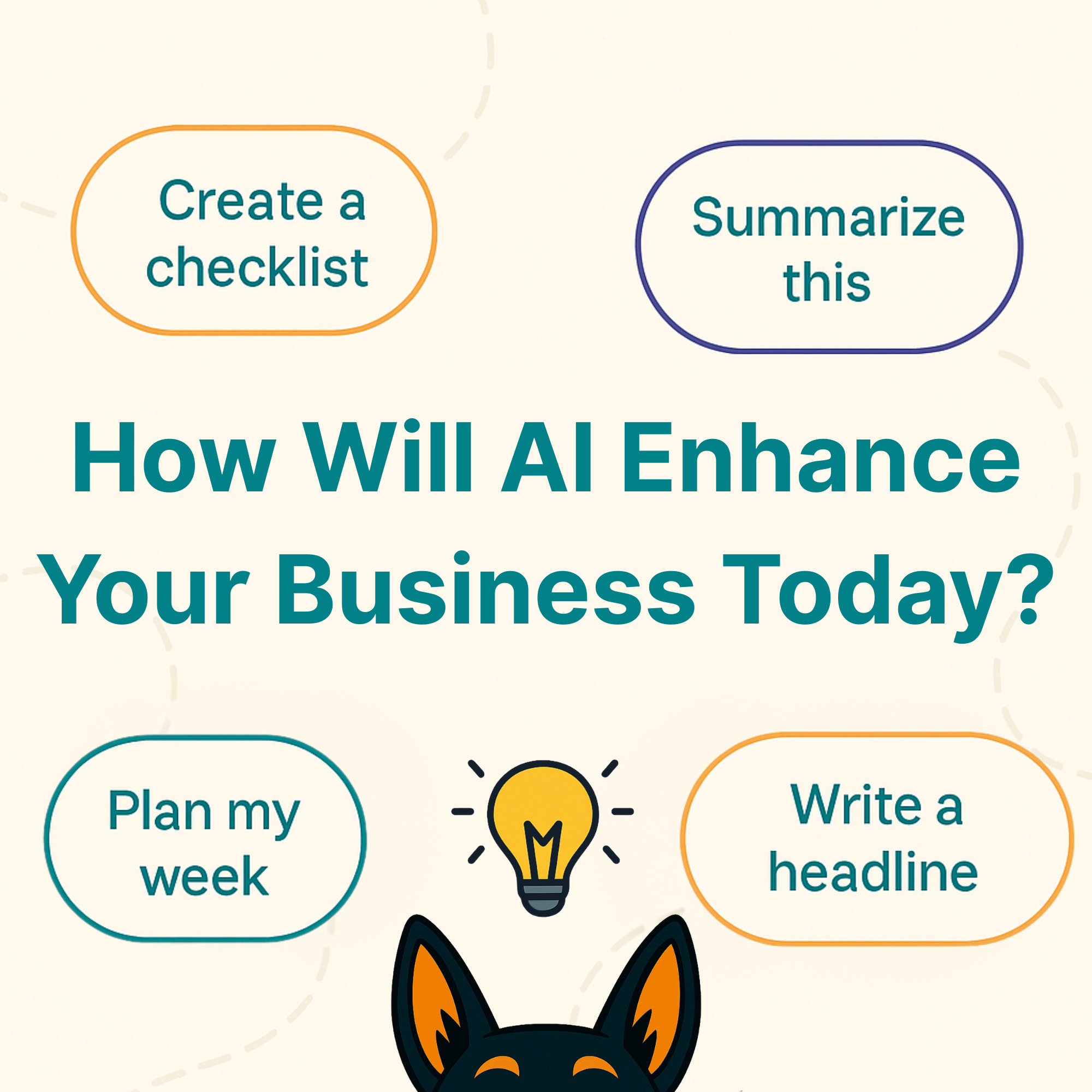
Graphic featuring the question “How Will AI Enhance Your Business Today?” surrounded by prompts like “Create a checklist,” “Summarize this,” “Plan my week,” and “Write a headline,” with Stark’s ears and a lightbulb icon at the bottom for a playful touch.

AI isn’t here to replace your creativity; it’s here to enhance it.

No matter what AI assistant you’re using, the secret is knowing how to ask for what you need; let’s discuss some of the easiest ways to have AI work with you, not instead of you.

(Psst… If you’re curious how AI fits into the future of search and learning, check out our article Beyond Google: How to Get Your Business Found in the Age of AI Search.)

1. Prompt Creator – Learn How to Ask More Effectively

If you’re not sure what to type into an AI tool, this prompt helps you write better prompts.
It guides you step-by-step, asking questions and refining your request until it fully understands what you want.
 
💬 Try this:

“Act as my Prompt Creator. Ask me questions to help clarify what I need, and rewrite my request until it’s as clear and effective as possible.”

 
Why it’s helpful:
  • It teaches you how to communicate clearly (with AI and clients)
  • It helps you get better results — faster
  • You’ll start noticing what kind of wording works best for your goals
💡 Quick Tip:
You can use this process for anything — from drafting emails to planning a campaign. The more precise your prompt, the smarter the output.

2. Intelligent Tutoring Tool – Learn Faster, Not Harder

AI can be more than a chatbot — it can actually teach you.
If you’ve ever wanted to learn something new (like SEO basics, how to write better blog headlines, or even how to understand analytics), you can ask your AI assistant to act as a personalized tutor. It’ll adjust to your learning style, explain things step-by-step, and even quiz you if you want to test your knowledge.
 
💬 Try this:

“Act as a personalized learning coach. I’ll tell you what I want to learn, what I already know, and how I like to learn. Create a step-by-step plan that helps me understand the topic clearly.”

 
Why it’s helpful:
  • You can learn at your own pace — with explanations written in plain English
  • You’ll save time searching through endless blogs or videos
  • It turns complicated topics (like SEO or accessibility) into quick, bite-sized lessons
💡 Quick Tip:
Use this prompt for micro-learning moments — a few minutes at a time when you want to sharpen your skills without falling down a Google rabbit hole.

3. Workflow Streamliner – Your Organization Upgrade

Between projects, ideas, and ongoing conversations, it’s easy for your chats to get messy fast. Use AI to create a system that keeps everything in order so you can pick up right where you left off — no backtracking required.
 
💬 Try this:

“I’d like to organize my AI chats more efficiently. Can you suggest the best way to group them by project or topic to stay consistent and save time?”

 
You can also ask it to:
  • Suggest folder names or categories for your business
  • Recommend naming conventions that make sense long-term
  • Help plan a simple workflow for recurring topics
  • Turn your folder setup into a reusable template
Why it’s helpful:
  • Keeps your work structured and easy to find
  • Helps your AI learn your tone and context faster
  • Makes your chat history a resource — not a mess
💡 Quick Tip:
Keep a dedicated folder for each main area of your business — like “Marketing,” “Client Work,” or “Website Updates.” It’s an easy way to keep your ideas organized, your tone consistent, and your sanity intact.

4. Data Helper – Visualize and Simplify

Numbers can be intimidating — but they don’t have to be. AI can help you make sense of your data, whether you’re tracking website traffic, engagement, or sales trends.
You can ask it to summarize, compare, or even visualize your data as simple charts. It won’t replace tools like Google Analytics, but it can help you turn raw numbers into insights you can actually use.
 
💬 Try this:

“Here are my website visits by month: [insert data]. Create a simple bar chart comparing each month and include one key insight based on the trend.”

 
💬 Or for a different view:

“Here are my total sales by service type: [insert data]. Make a pie chart showing the percentage breakdown of each category and summarize the biggest takeaway.”

 
Why it’s helpful:
  • Turns confusing numbers into clear visuals
  • Helps you spot patterns (like which months or services perform best)
  • Saves time so you can focus on what to do next — not how to read a spreadsheet
💡 Quick Tip:
Always double-check your data before making big decisions. Think of AI as your translator and visualizer — not your accountant.

5. Task Organizer – Your Digital Sidekick

Running a business means juggling a lot — projects, clients, deadlines, ideas. AI can help you stay organized by turning chaos into checklists, outlines, or bite-sized plans you can actually follow.
 
💬 Try this:

“Create a weekly marketing checklist for a small business that includes website updates, social posts, and blog planning.”

 
You can also ask it to:
  • Draft content calendars
  • Create client onboarding steps
  • Outline a project timeline
  • Turn your notes into action items
Why it’s helpful:
  • Keeps you focused on what matters most
  • Saves you time building systems from scratch
  • Works as a digital assistant that never gets tired
💡 Quick Tip:
Snap a picture of your handwritten notes or whiteboard after a meeting, upload the image, and ask your AI tool to organize it into a clean checklist or summary. It’s like having your own personal assistant who can actually read your messy handwriting.

Our Final Thoughts

When used correctly, AI doesn’t replace creativity; it gives it room to grow.
These prompts aren’t shortcuts; they’re tools to help you think faster, write smarter, and get more done without losing the human touch that makes your business unique. You should use AI to clear the clutter, not to replace your creativity. (If you’d like to learn more about keeping your marketing authentically human while utilizing AI, check out our article AI Is a Tool, Not a Strategy.)