 Stark
Stark How Custom Online Reporting Dashboards Provide Clear Insights for Small Business Owners
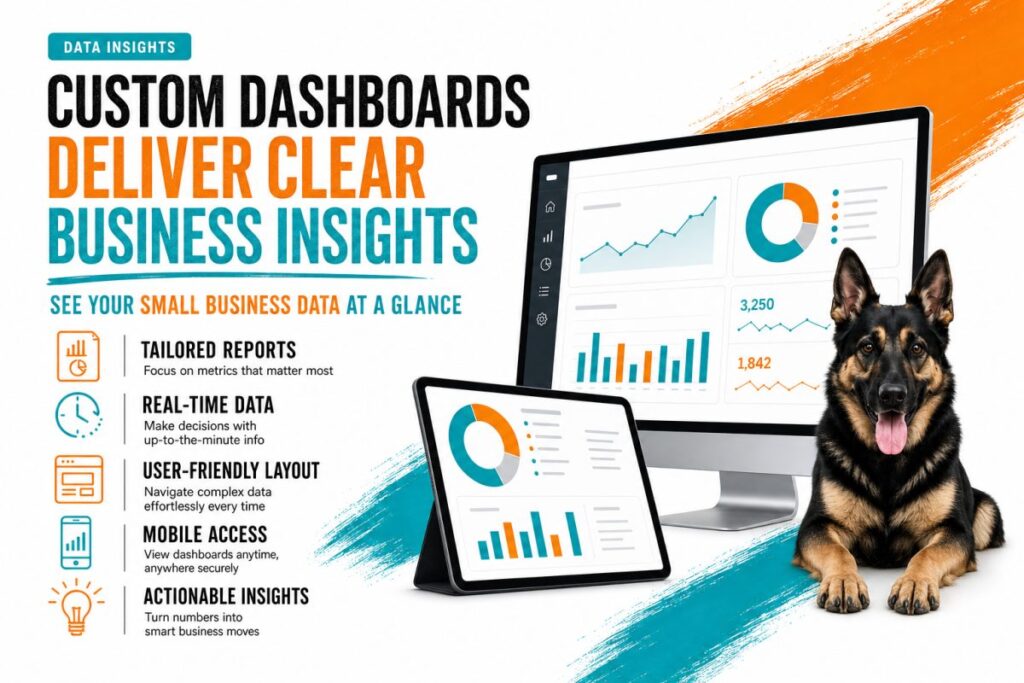
Small business owners juggle countless tasks daily, often leaving little time to analyze complex data reports. This is where custom online reporting dashboards become invaluable. Tailored to your unique business needs, these dashboards offer clear, real-time insights that simplify performance tracking and support smarter decision-making. In this article, we’ll explore how custom dashboards transform raw data into actionable intelligence, empowering busy owners to focus on what really matters: growing their business.
Why Small Businesses Need Custom Online Reporting Dashboards
Many small businesses rely on generic reports or spreadsheets that are difficult to interpret and time-consuming to update. Custom online reporting dashboards offer a more effective alternative by consolidating essential metrics into a single, user-friendly interface.
1. Centralized Data for Quick Access
Instead of toggling between multiple tools or documents, a custom dashboard brings all critical data points into one place. Whether it’s sales figures, website traffic, or marketing performance, you get a holistic view at a glance.
2. Real-Time, Automated Updates
Manual reporting is prone to errors and delays. Custom dashboards automate data collection and update in real-time, so you always have the latest information without lifting a finger.
3. Tailored Metrics That Matter to You
Every business is unique, and so are its KPIs. Custom dashboards focus on the metrics that drive your business forward, avoiding irrelevant data overload and making insights more actionable.
Key Features of Effective Custom Reporting Dashboards
Building a dashboard that truly helps small business owners requires careful planning and technical know-how. Here are the core features that make a custom dashboard a powerful tool:
Interactive Data Visualization
Charts, graphs, and heatmaps translate raw numbers into easy-to-understand visuals. Interactive elements allow users to drill down into specific data points for deeper analysis without feeling overwhelmed.
Customizable Layout and Widgets
Owners can personalize their dashboard layout to prioritize the most relevant data. Widgets can be added, removed, or rearranged to match changing business needs.
Multi-Source Data Integration
Small businesses often use multiple platforms—like CRM systems, eCommerce stores, and social media. Custom dashboards seamlessly integrate these data sources, providing a unified view.
Automated Alerts and Reports
Stay on top of important changes with automated notifications. Whether it’s a sudden drop in sales or an upswing in website visits, alerts keep you informed and ready to act.
How Custom Dashboards Simplify Decision-Making for Busy Owners
Small business owners don’t have time to become data experts. Custom dashboards simplify complex analytics into straightforward insights, making decision-making faster and more confident.
Prioritize What Matters Most
Dashboards highlight trends and anomalies that require attention, so you can prioritize actions that impact your bottom line. No more guessing which numbers deserve your focus.
Track Progress Toward Goals
Visual progress bars and goal trackers show how your business is performing against targets, whether it’s monthly revenue, customer acquisition, or website engagement.
Spot Opportunities and Risks Early
By providing a real-time snapshot of performance, dashboards help you identify growth opportunities and potential risks before they escalate, enabling proactive management.
Save Time and Reduce Stress
With all your key data organized and easy to digest, you spend less time wrestling with reports and more time steering your business forward.
Implementing a Custom Online Reporting Dashboard: Best Practices
To maximize the benefits of a custom dashboard, follow these best practices during development and deployment:
- Define Clear Objectives: Understand exactly what decisions your dashboard should support and which metrics matter most.
- Choose the Right Tools: Use reliable platforms and technologies that integrate well with your existing systems.
- Focus on Usability: Design with simplicity in mind—avoid clutter and use intuitive navigation.
- Test and Iterate: Gather feedback from users and refine the dashboard to better meet their needs.
- Provide Training and Support: Ensure everyone who uses the dashboard understands how to interpret the data and utilize its features.
Case Example: How a Local Healthcare Clinic Improved Operations with a Custom Dashboard
A local healthcare clinic partnered with Stark Create to build a custom reporting dashboard that integrated patient bookings, billing, and staff schedules. By consolidating these datasets, the clinic’s management could easily spot appointment bottlenecks and billing discrepancies. The dashboard’s real-time alerts helped reduce missed appointments by 15% and improved revenue cycle management. This hands-on approach to data allowed the clinic to make quick, informed decisions without needing a dedicated analyst on staff.
Conclusion
Custom online reporting dashboards are game-changers for small business owners looking to make smarter decisions without drowning in data. They deliver tailored, real-time insights that simplify performance tracking, highlight what matters, and save precious time. If you’re ready to move beyond generic reports and unlock the power of clear, actionable data, Stark Create is here to help. We Build. We Create. We Solve. Together. Visit starkcreate.com to learn how we can craft a custom dashboard that puts your business insights front and center.