How to Test Your Website for Accessibility

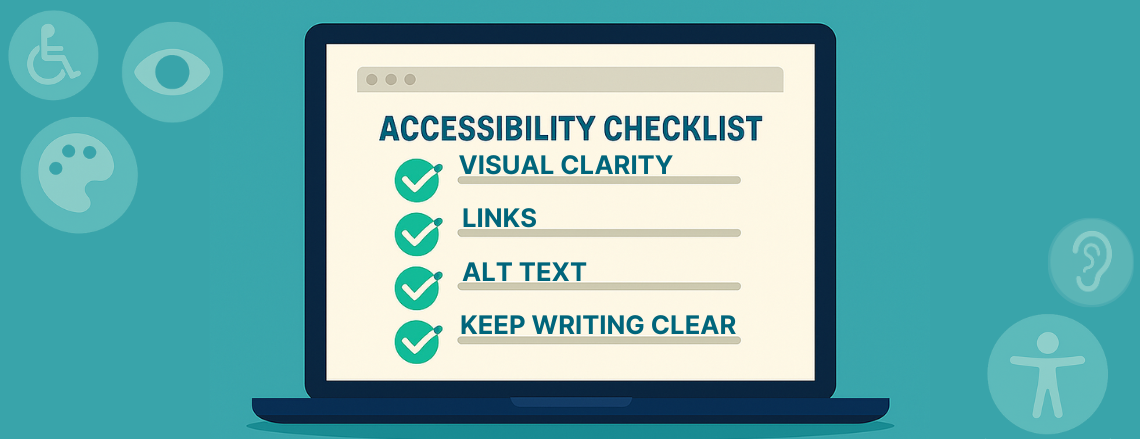

Your website should be easy for everyone to use, and the only way to know for sure is to test it.
You don’t need to be a developer, designer, or accessibility expert to start improving your site’s accessibility.
With a few simple tools and checks, you can spot potential issues, make meaningful fixes, and ensure your website truly welcomes every visitor.
Why Accessibility Testing Matters
Accessibility isn’t just something you do once when your site launches; it’s something to maintain as your business grows. Every new update, whether it’s adding content, uploading an image, or changing your design, can introduce small accessibility issues. Regular testing helps you catch and fix them early. Beyond compliance, accessibility testing shows that your business values inclusion. It builds trust, improves user experience, and even boosts SEO by helping search engines better understand your site.
Want a deeper look at why accessibility matters and how it impacts your brand? Check out our article, Is Your Website Accessible to Everyone? Why ADA Compliance Matters for Business.
Step 1: Run Automated Accessibility Tools
Start with the basics. These free tools make testing quick and easy:
- Accessibility Checker, a simple online tool that scans your page for ADA and WCAG issues and gives plain-language suggestions.
- Google Lighthouse, built into Chrome, this tool provides a quick accessibility score and improvement tips.
- WAVE Web Accessibility Evaluation Tools, one of the best free resources for checking color contrast, alt text, and heading structure.
Once you’ve run a scan, review your results and look for recurring issues. Many fixes are quick, like adding missing alt text, improving contrast, or updating link labels, but they make a big difference for usability.
Step 2: Test Navigation Without a Mouse
Accessibility isn’t only about how your site looks; it’s also about how it works. Try unplugging your mouse and using only your keyboard to move through your site.
Can you:
- Tab through every link and button?
- Clearly see what’s selected as you move (the “focus” indicator)?
- Submit forms or open dropdowns easily?
If you get stuck, imagine how frustrating that would be for someone relying solely on keyboard navigation or assistive technology.
Step 3: Try a Screen Reader
Screen readers help users with visual impairments browse the web. You can try free options like NVDA (Windows) or VoiceOver (Mac).
Listen as your site is read aloud.
- Does it make sense?
- Are images described properly?
- Are headings read in a logical order?
If it sounds confusing or skips important content, your site’s structure or labeling may need updates.
Step 4: Check Color Contrast and Visual Clarity
Design plays a massive role in accessibility. Even a beautiful website can be hard to read if the text and background don’t have enough contrast.
Use tools like Contrast Checker or Coolors Contrast Checker to test your color ratios. Adjusting colors slightly can make your site more legible for everyone, especially users with low vision or color blindness.
Step 5: Review Your Media and Links
Minor updates go a long way:
- Add captions or transcripts to videos.
- Make sure links describe their purpose (“Read our services guide” instead of “Click here”).
- Ensure buttons and forms have visible labels and instructions.
These tweaks don’t just improve accessibility; they improve user experience overall.
Step 6: Review Readability
Accessibility isn’t just technical; it’s also about communication. If your website is full of jargon, long paragraphs, or complex sentences, it’s harder for everyone to follow.
Keep your writing clear, concise, and well-structured:
- Use headings (H2, H3) to organize information. If you’re not sure how to structure your content, check out our guide on How to Use H1, H2, and H3 for Readability and SEO.
- Keep paragraphs short and scannable.
- Highlight key ideas with bold or bullet points.
Our Final Thoughts
Accessibility testing isn’t a one-time project; it’s part of your website’s regular maintenance. At Stark Create, our Website Maintenance Plans include ongoing accessibility reviews to make sure your site stays compliant, user-friendly, and welcoming to every visitor.
